Problem Statement
While hosting several personal projects on Render's free tier, I encountered a common issue: server "cold starts." After 15-20 minutes of inactivity, Render's free servers go to sleep, causing the first subsequent user to experience a significant load delay of up to a minute. This created a poor user experience and was particularly problematic for my WebWatcher app, which needed to run cron jobs every 6 hours.
Technical Challenge
I needed to find a cost effective solution to keep my Render applications awake without upgrading to paid tiers, while respecting the platform's terms of service and avoiding detection mechanisms that might flag artificial traffic.
Solution Exploration
Approach 1: Custom Loading Page
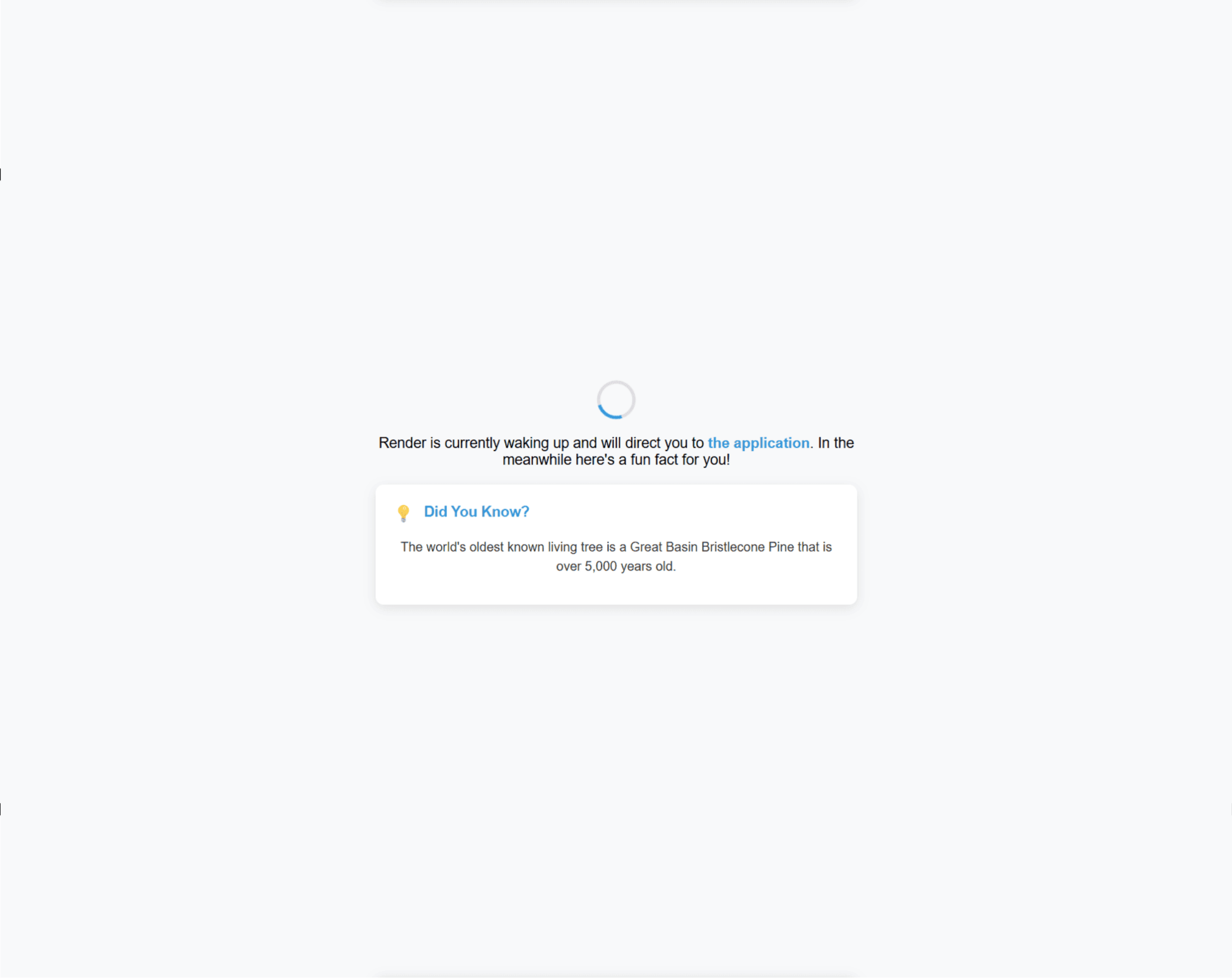
My first idea was to create an engaging custom loading page that would display while the Render server was waking up. This would show users a friendly message saying that the user is being redirected to their desired website and also display interesting fun facts that was changing to keep the user engaged during the wait. Though it improved the user experience, the underlying delay remained.
Approach 2: Uptime Robot
I researched using Uptime Robot to ping my servers regularly, keeping them awake. However, this raised concerns about potential detection of automated traffic by Render, and sometimes proved unreliable.
Approach 3: Custom Node.js Pinger
I developed a server-side Node.js script to ping my Render apps every 30 minutes, simulating genuine user traffic. While this worked perfectly in local testing, it required hosting on another 24/7 service. I explored fly.io but was reluctant to provide payment details even for their free tier.
Approach 4: GitHub Actions Workflow
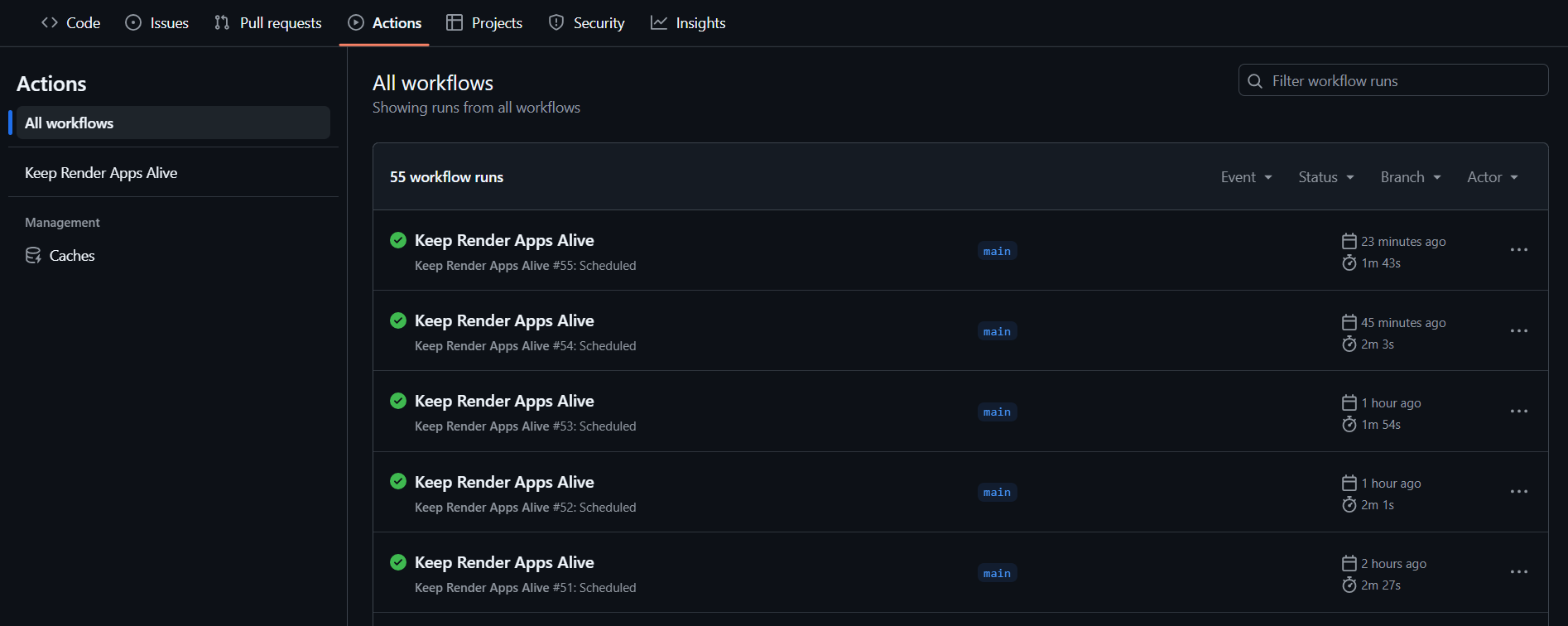
My final solution leveraged GitHub Actions to create a workflow that pings my servers every 30 minutes. This elegantly solved the cold start problem by keeping the applications awake, while working within GitHub's free tier limitations.
Key Takeaways
This project demonstrates my ability to:
- Identify and solve real world technical problems
- Research and evaluate multiple solution paths
- Implement creative workarounds within technical constraints
- Think outside the box to enhance user experience
While this solution was developed as a temporary workaround rather than a production ready feature, it showcases my problem solving approach and commitment to delivering smooth user experiences even when faced with infrastructure limitations.